
AI Prompt Generator
Turn a short task description into a ready-to-use AI prompt. Add an audience, constraints and output format when needed.
Generated prompt
Your prompt will appear here.
Describe a task or load an example to get started.
Your goal and details are sent for AI processing when you generate a prompt.
How to generate an AI prompt
Describe the result you want
Start with a goal in your own words, such as drafting an email, comparing tools or summarizing a meeting.
Add details that shape the answer
Specify who will read the answer, what information the AI should rely on, and whether you want an email, table or other format.
Fill in the blanks and use the prompt
Review the result, replace any bracketed placeholders with your details, then paste the prompt into your AI assistant.
Already have a draft? Refine it with Prompt Enhancer
AI prompt examples
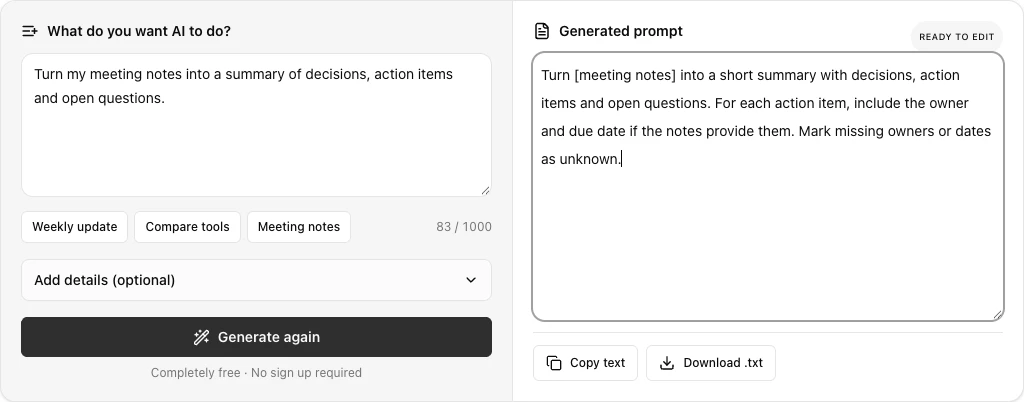
See what a prompt can look like when you start with a simple goal or specify the deliverable and the sources to use.
Weekly project update
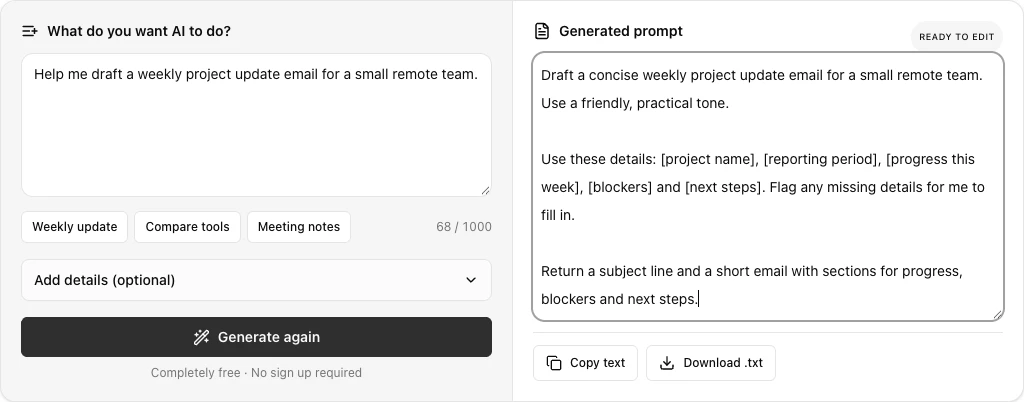
- Task goal
- Help me draft a weekly project update email for a small remote team.
- Generated prompt
- Draft a concise weekly project update email for a small remote team. Use a friendly, practical tone. Use these details: [project name], [reporting period], [progress this week], [blockers] and [next steps]. Flag any missing details for me to fill in. Return a subject line and a short email with sections for progress, blockers and next steps.
Compare project management tools
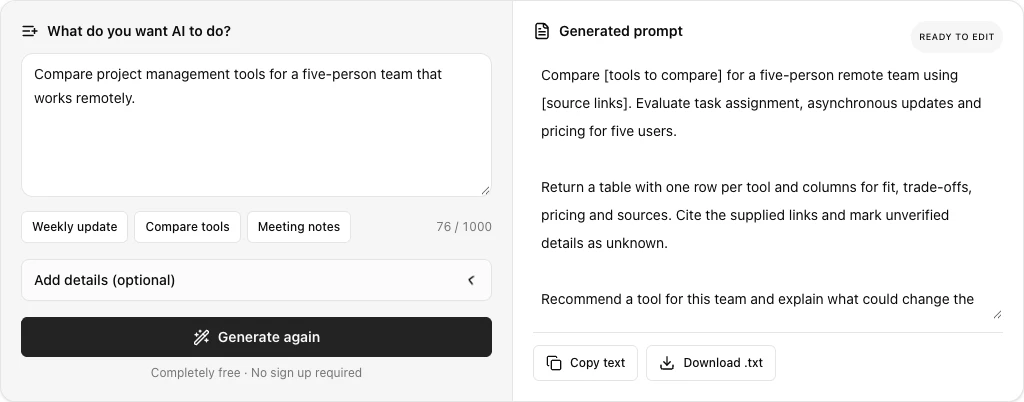
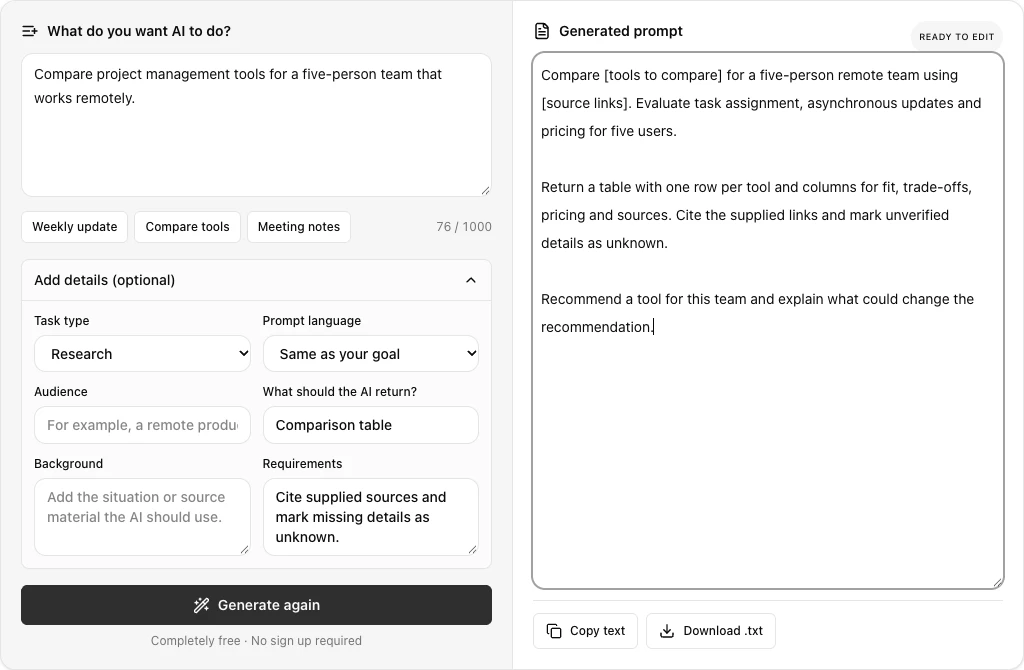
- Task goal
- Compare project management tools for a five-person team that works remotely.
- Details added
- Return a comparison table. Cite the supplied sources and mark missing information as unknown.
- Generated prompt
- Compare [tools to compare] for a five-person remote team using [source links]. Evaluate task assignment, asynchronous updates and pricing for five users. Return a table with one row per tool and columns for fit, trade-offs, pricing and sources. Cite the supplied links and mark unverified details as unknown. Recommend a tool for this team and explain what could change the recommendation.
What can you create prompts for?
Choose a task type to give the prompt a structure that suits your work.
Writing
Specify the reader, tone and length for emails, scripts or briefs.
Research
Name the options, comparison criteria and sources a research answer should use.
Summarizing
Provide notes or a transcript and ask for key points, decisions or next steps.
Discover more tools
Start with an image, a video clip or a draft prompt. Pick the text you need next.
Image Describer
Put the scene, subject and visible details into words.
Open free toolImage to Prompt
Turn a reference image into a reusable AI art prompt.
Open free toolImage to Text
Extract editable text from photos and screenshots.
Open free toolAlt Text Generator
Write image descriptions for screen readers with page context.
Open free toolPrompt Enhancer
Refine instructions and image prompts while keeping your original intent.
Open free toolImage to Video Prompt
Start with a still image and write a prompt for your next shot.
Open free toolVideo to Prompt
Turn reference footage into prompts with motion, camera moves and style.
Open free toolAI Prompt Generator questions
Ready to write your first prompt?
Start with the task you have in mind, then copy the prompt into your AI assistant.
Generate promptCompletely free · No sign-up required